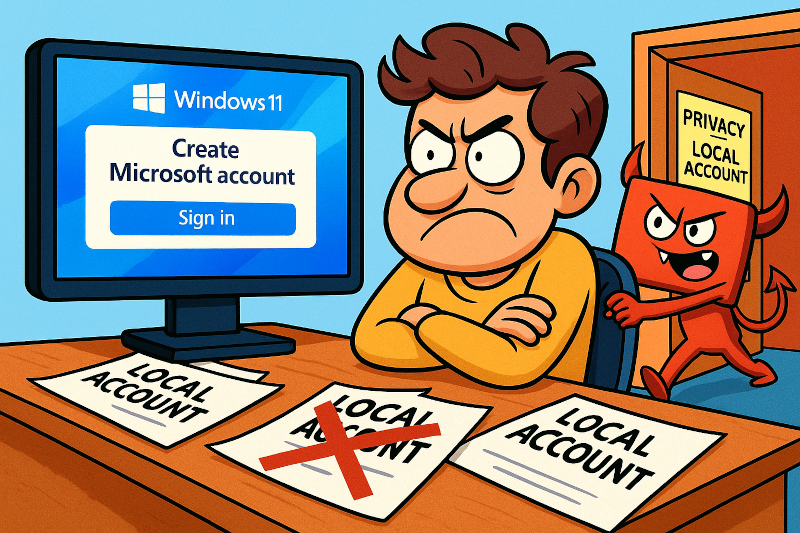
Microsoft is changing computer settings to force users into having a Microsoft Account by giving them no option to log into their local account, after an update. The continue setup (second oobe) is popping up on Windows 11 Pcs again.
Previously you could avoid this by changing Notification settings but Microsoft is now ignoring those. It also seems Microsoft are deleting registry entries that prevented this happening. People are checking settings to discover the entire sub category of registry settings has disappeared.
Stuck being forced ot make a Microsoft Account after an update?
Here’s how to get past it.
After an update Microsoft may force you to do a “setup” process. Part of this will end you up in a screen forcing you to either log in with a Microsoft account or create one. It does not give you an option to keep logging in with a local account.
How To Escape:
At the end of the process it has a screen that forces you to log in using an MS account or to create one if you don’t have one. There is nothing on the screen to go past it. However if you back up a step it brings up a new screen ( as shown below) which lets you skip for now.
If you cant get this,
If You’re Completely Locked Out:
Boot to Safe Mode:
- Restart while holding Shift, or force restart 3 times to trigger recovery
- Navigate to Troubleshoot > Advanced Options > Startup Settings
- Choose Safe Mode and try logging in with your previous local account credentials
Create a new local account: You can create another local account to use as an alternative through Computer Management or Command Prompt (if accessible)
Want to try to prevent this happening again?
Here are some settings that might help. They replace deleted registry settings and also get you to check you still have your notification settings turned off.
If You’re Getting Persistent Microsoft Account Prompts:
Disable “Let’s finish setting up your device” screens: This is a common “second-chance out of box experience” (SCOOBE) that appears after feature updates Change From a Local Account to a Microsoft Account in Windows – Microsoft Support. You can disable it through:
- Settings > System > Notifications > Turn off “Suggest ways I can finish setting up my device”
- Or via Registry: Navigate to
HKEY_CURRENT_USER\Software\Microsoft\Windows\CurrentVersion\UserProfileEngagementand setScoobeSystemSettingEnabledto 0 - (Registry entry attached to this FAQ)
If You Need to Switch Back to a Local Account:
From Settings (if you can still access your account): Go to Settings > Accounts > Your info, and click “Sign in with a local account instead” windows 10 – How to login without Microsoft account after update – Super User
Alternative method:
- Press Windows + R, type
netplwiz, press Enter - Uncheck “Users must enter a user name and password to use this computer”
- Apply and restart
Prevent Future Issues:
Disable Account Suggestions:
- Settings > Accounts > Sign-in options
- Turn off “Use my sign-in info to automatically finish setting up after an update”
- Disable “Show account details like my email address on the sign-in screen”
Registry Method for Persistent Popups: If you’re getting fullscreen popups asking to use an online account with “remind me in 3 days” options if i upgrade to Windows 11, am i forced to use my MS account to login to my computer – Microsoft Q&A, you can disable these through Group Policy Editor:
- Run
gpedit.msc - Navigate to Computer Configuration > Administrative Templates > Windows Components > Cloud Content
- Enable “Turn off Microsoft consumer experiences”
The key is that you are not obligated to use a Microsoft Account if you do not wish to, despite Microsoft’s increasingly aggressive prompts. These methods should help you maintain your preferred local account setup.
Here’s a registry file that restores four of the often deleted keys that should prevent this. This file is a text fie containing the following text. if you don’t want to download it, make a text file called rPreventMicrosoftAccount.reg and save this text into it. Then double click and allow Regedit to import it.
Windows Registry Editor Version 5.00
[HKEY_CURRENT_USER\Software\Microsoft\Windows\CurrentVersion\UserProfileEngagement]
“ScoobeSystemSettingEnabled”=dword:00000000
[HKEY_CURRENT_USER\Software\Microsoft\Windows\CurrentVersion\ContentDeliveryManager]
“SubscribedContent-310093Enabled”=dword:00000000
[HKEY_CURRENT_USER\Software\Microsoft\Windows\CurrentVersion\UserProfileEngagement]
“ScoobeSystemSettingEnabled”=dword:00000000
[HKEY_CURRENT_USER\Software\Microsoft\Windows\CurrentVersion\ContentDeliveryManager]
“SubscribedContent-338389Enabled”=dword:00000000
Why should you keep a local account and not a Microsoft one?
In one word, I would say “Freedom”. I’m not talking freedom from slavery or anything like that. I am talking freedom of choice. Being signed into a Microsoft account prevents you from having the freedom to choose how you want your Windows experience to be. Its also a loss of freedom, privacy and coice.
- Office has just altered its log in so now you are signing into Co-pilot, Microsoft’s AI. AI is now jammed in Office, like it or not.
- Windows 11S : The operating system that wont let you use any browser but Edge (sorry – not Chrome, Brave, or Firefox) and wont let you download any application not in the Windows Store. Goodbye open Source, freeware or anyone who wont do whatever it takes to get their app in the MS store.
- Windows 11: Signed in to get telemetry and tracking, advertising ( sorry I mean advice and suggestions), features such as Recall / CoPilot pushed on you, forced 2FA (My grandmother doesnt have a cell phone and cant handle that) or your kids browsing and details signed over to big corporate.
Lets also talk about the elephant in the room. If everyone is logged in using Microsoft authentication, what happens when that’s cracked? It will never happen? Hmm. Remember the OS development company that had hackers in their secure databases for months before they were discovered? Who was that again? Yup Microsoft. ( Here and here ) Putting all your eggs in one basket is just asking for a disaster to happen.
